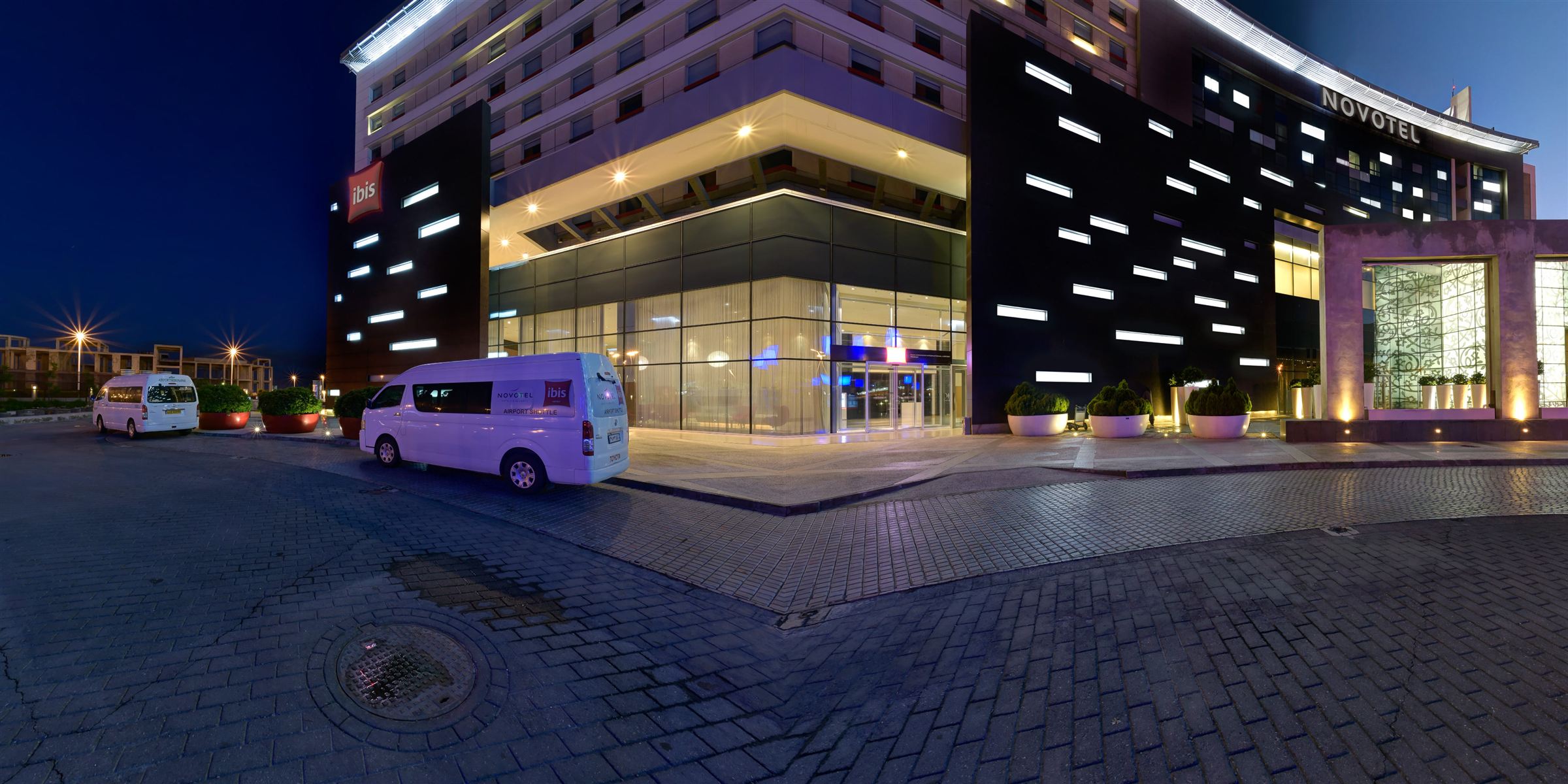
360° virtual tour · 29 places
Imam Khomeini International Airport Hotel
Walk through the hotel as if you were there: the arrival court, the lobbies, restaurants, ballroom, pool and guest rooms.
- LocationImam Khomeini International Airport, Tehran
- HotelsNovotel and ibis
- Completed2015
01 · Before you start
How to look around
Four things are all you need. The tour works the same with a mouse or on a phone.
-
01
Look around
Drag with the mouse, or with one finger on a phone.
-
02
Zoom in and out
Turn the mouse wheel, or pinch with two fingers.
-
03
Go to another place
Click a white arrow in the picture to walk there. The ‹ › arrows at the sides and the strip at the bottom also jump between places.
-
04
Come back here
Click “All places” at the top of the tour, or your browser’s Back button.
Useful buttons in the tour’s bottom bar
-
SoundThe tour plays music. Tap to turn it off.
-
Full screenFill the whole screen. Esc to leave.
-
VR headsetFor a phone placed in a VR viewer.
-
HelpShows what every button does.
02 · 29 places
Choose where to start
Click a picture and the tour opens right there. From each place you can walk on to the next.
03 · Good to know
If something doesn’t work
- Use Chrome, Edge or FirefoxThey show the tour best, on a computer or a phone.
- Keep the black window openOn Windows, the small window started by “Start Tour” runs the tour. Closing it stops the tour.
- No internet neededEverything is in this folder. If pictures load slowly, wait a moment: they sharpen as they load.